Lecture recording Pro
Tap your notes to hear the lecture.
Record while you write. Tap any line later and it plays what was being said right then. Transcripts are made on your iPad, and they’re searchable.
Everything you need, floating over one page.
 Scan to get it on your iPad


10 questions with room to answer, a worked answer key on its own pages, and a page to score yourself.
A concept map, the key ideas, terms, formulas and a worked example, and the questions an exam is likely to ask.
One page
Omni, your tutor
Loop anything on your screen: a problem, a slide, a diagram, a frame of the lecture. Omni sees exactly what you see, and answers in steps with real maths.
Practice problem
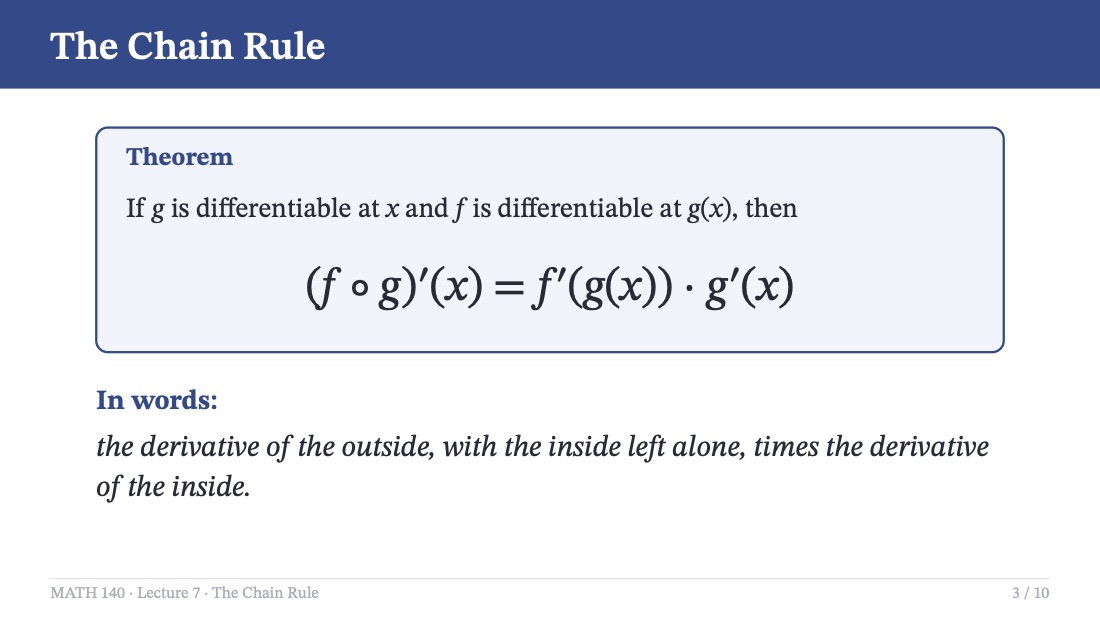
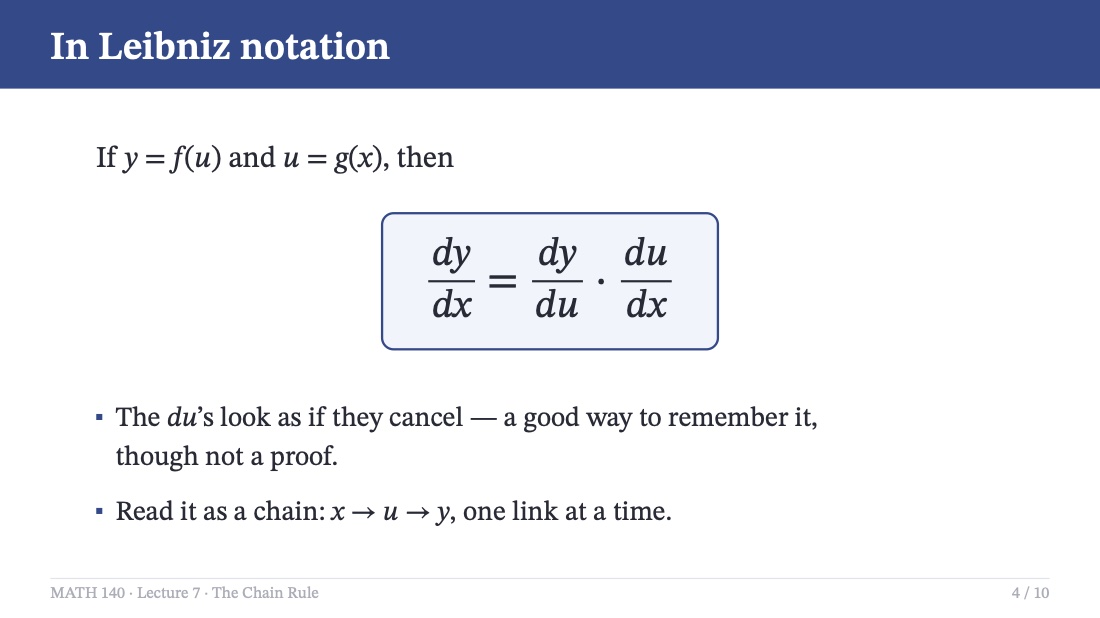
This is the chain rule: a function inside another one.
Here’s a nudge, not the answer.
Stuck again? Ask for the next step, or switch to Explain whenever you want the whole thing.
Found it in your own course:
Omni can be wrong, so check every step before you hand it in.
The whole semester
From the first lecture to the final exam, without leaving the page.
Lecture recording Pro
Record while you write. Tap any line later and it plays what was being said right then. Transcripts are made on your iPad, and they’re searchable.
Visualize Pro
Circle a concept and Omni draws you a diagram, stroke by stroke, ready to put on your page.
Visualize in 3D Pro
Solids of revolution, molecules, vectors: built as a 3D model you can spin with a finger.
Exam prep Pro
Pick your notebooks and the exam date. OmniPad reads all of it, your handwriting included, and makes a practice test with an answer key, a study plan or a cram sheet, as a notebook you can write on.
PDF markup
Mark up slides and textbooks like paper. On printed text the highlighter lands exactly on the words.
Shapes
Draw a wobbly circle, keep the pencil down for a beat, and it becomes a perfect one.
Split view
Drag a notebook to the edge. Last week’s notes beside this week’s, each with its own windows.
Sync and backups
Notebooks sync through your iCloud. Automatic backups go to a folder you choose, and every page keeps its history.
Study streaks
A streak that counts the days you study, with two freezes a month for the ones you don’t.
Browser
Tabs, bookmarks, your school sign-in. A PDF you find goes into your notes with one tap.
Pricing
Both plans start with a free week. Switch plans or cancel any time in Settings.
Everything you need for every class.
Free for 7 days, then billed monthly.
Start your free weekFor the courses that fight back.
Free for 7 days, then billed monthly.
Start your free weekPrices are in US dollars; your App Store shows the price for your country. The free week is for new subscribers. Cancel in Settings at least 24 hours before it ends and you won’t be charged; we remind you two days before.
FAQ
Something else? Email tryomnipad@gmail.com or ask on Discord.
It’s free to download, and both plans start with a free week for new subscribers. After that, Lite is $9.99 a month and Pro $14.99, or $89.99 and $119.99 a year. Cancel in Settings at least 24 hours before the week ends and you won’t be charged.
Any iPad on iPadOS 18 or later. OmniPad is made for Apple Pencil: squeezing it to open the tool palette needs Apple Pencil Pro, and everything else works with the Pencil you have. There’s no iPhone or Android version.
Lite has the whole notebook and Omni, with 500 AI credits a month. Pro triples the credits and adds Think harder, Visualize (in 2D and 3D), lecture recording with transcripts and summaries, and exam prep. Anything you make on Pro stays yours if you move to Lite: recordings still play and diagrams stay on your pages.
Credits measure how much you use Omni. A quick question uses less than a long worked solution, so we don’t count questions. Lite’s 500 a month is roughly 8 tutor questions a day and Pro’s 1,500 roughly 25. They refresh every month, and if you run low you can add a pack in Settings. Credits you buy never expire.
Your notebooks sync through your own iCloud account. When you ask Omni something, your question and a picture of your screen go to our AI provider to answer it. Lecture transcripts are made on your iPad. There are no ads and no third-party trackers, and anonymous usage statistics are only sent if you say yes. The privacy policy has the details.
Yes. Import PDFs from Files, share them to OmniPad from any app, or add one from the built-in browser. Write on them like paper; textbooks with an outline get a table of contents you can jump around in.
Writing, reading and your notebooks all work offline and sync when you’re back. Omni and the browser need a connection.
In OmniPad, open Settings and tap Manage subscription, or go to your iPad’s Settings, then your name, then Subscriptions. During the free week we send a reminder two days before it ends.
University and college students, 18 and older, who take notes on an iPad.

Download OmniPad and start your free week.
On a computer?Community
Questions, tips, feature requests and the occasional late-night cram session. Come say hi.